Client:
Intuit, QuickBooks
Timeline:
Ongoing
Role:
Senior Design Manager (Australia & Rest of World)
Scope:
AU + APAC, brief refinement scaled to US, UK, CA
Focus:
AI-enabled workflow design, design operations, intake systems, global adoption
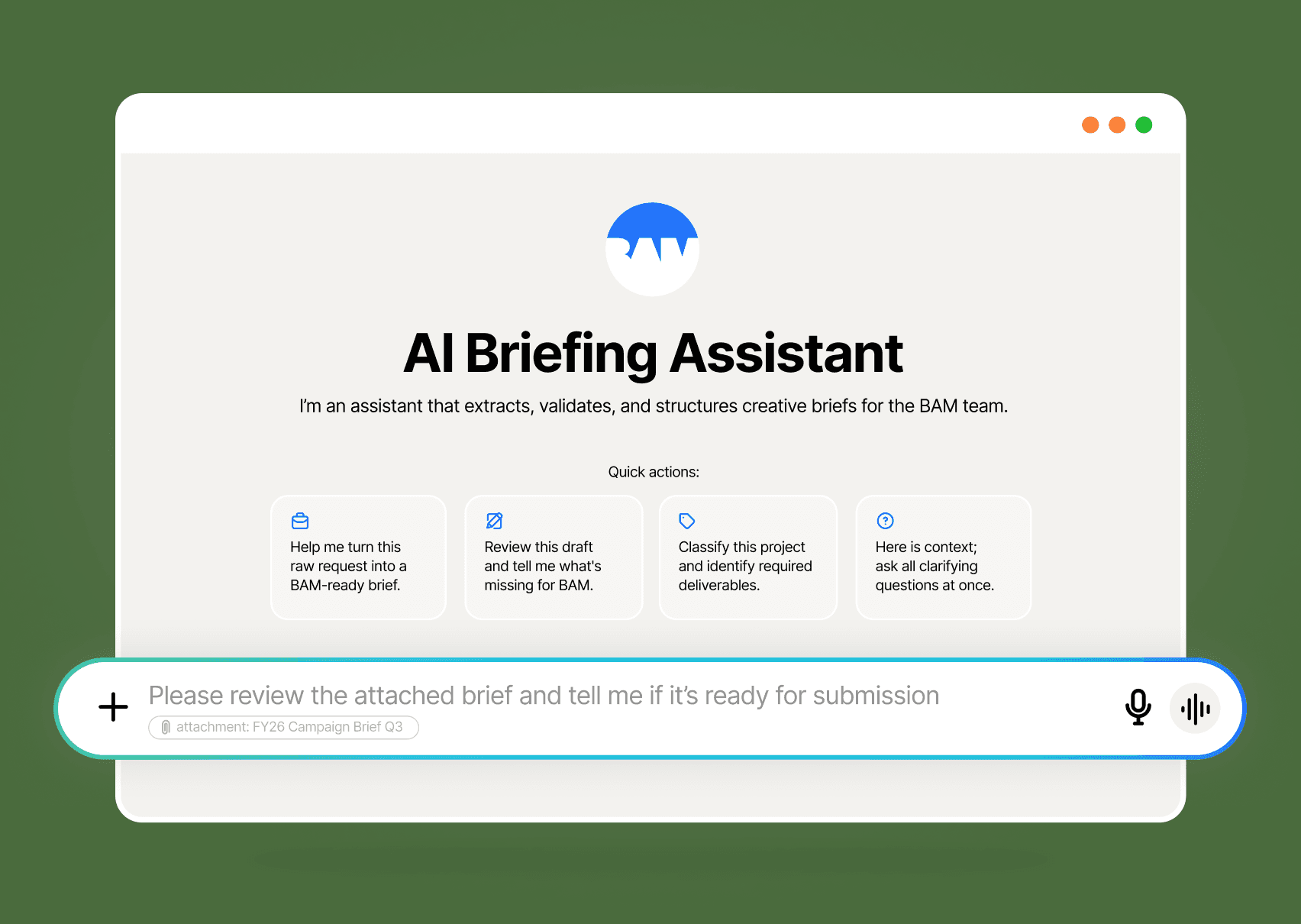
When I took on the Design Manager role, one of the first things I did was pay close attention to where my team's time was actually going.
Two patterns kept surfacing. First, designers were regularly interrupted by partners asking questions that had answers: Where's our logo files? What's the brand green hex code? How do we brief the team? What's the process for X? The information existed. It just wasn't accessible in the moment people needed it.
Second, the briefs coming into the team were consistently either too thin to act on or too bloated to parse - both versions produced the same outcome: clarification cycles, delayed starts, and frustrated people on both sides. Requests were also being flagged as urgent at a rate that made it impossible to plan, resource, or run sprints effectively. At peak, nine urgent-tagged requests arrived in a single week. When I followed up directly with partners, many weren't genuinely urgent - teams were submitting with tight timelines to push their projects up the priority queue. The system had no mechanism to distinguish real urgency from strategic urgency, and the design team was absorbing the cost.
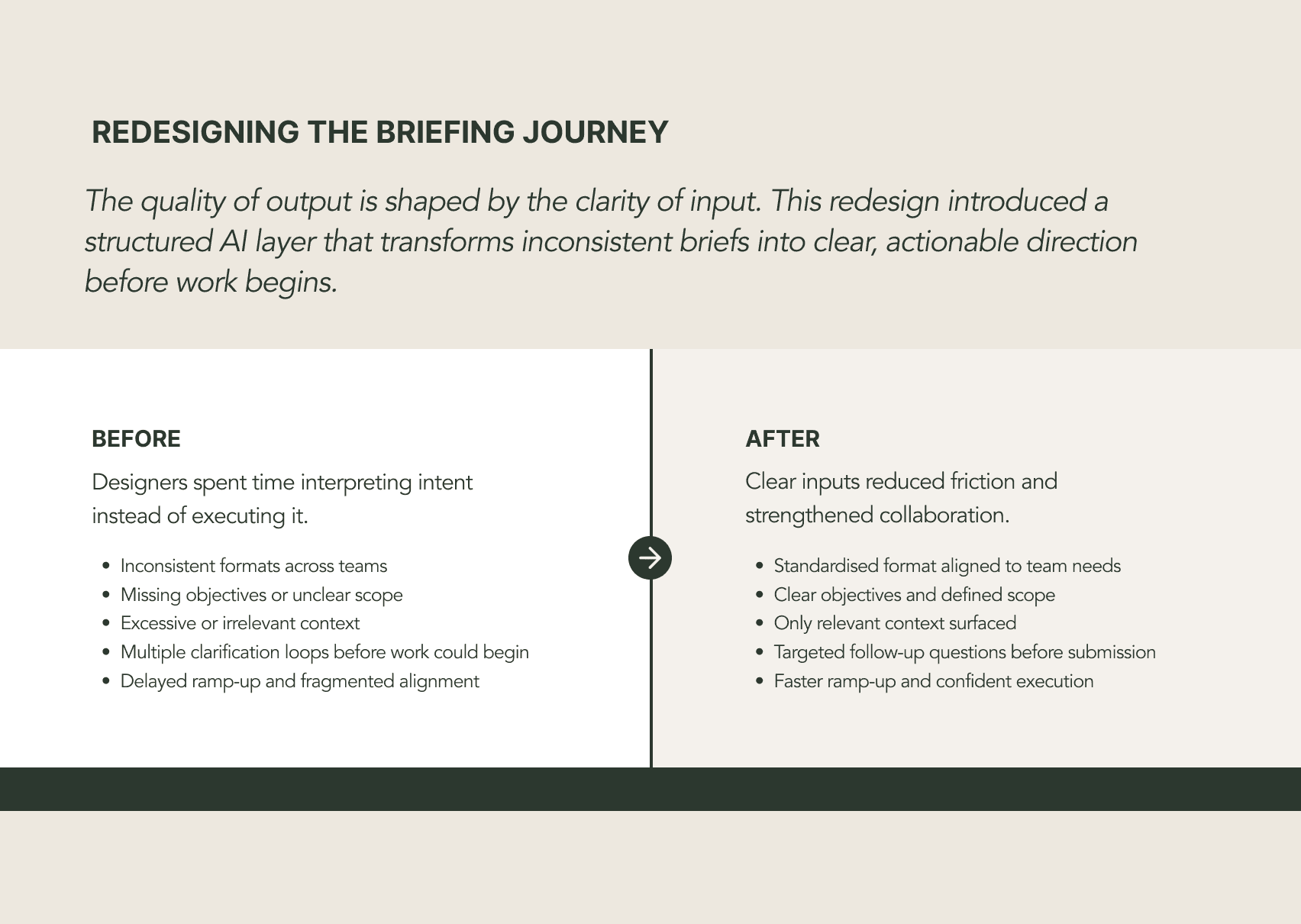
The instinctive response to these problems would have been more documentation, more training, more process. I took a different view.

I initiated, designed, and built a Briefing Assistant end-to-end.
That meant identifying the problem space, defining success criteria, designing the information architecture, selecting and configuring the AI platform, writing and refining the instruction sets, and driving adoption across teams.
I want to be clear about what that actually involved technically. Building a reliable AI agent requires genuine understanding of how these systems behave. I wrote detailed instruction sets that defined tone, terminology, scope boundaries, tier classification logic, and submission behaviour. I tested extensively for instruction drift and edge cases. I made deliberate platform choices based on performance, not convenience - more on that below.
The strategic intent throughout was organisational leverage: build once, reduce friction permanently, and free the team to focus on the work that actually requires a designer.
The briefing problem was more complex, and more consequential, than it first appeared.
Brief quality sat upstream of everything. Briefs that lacked clear objectives, realistic timelines, or relevant context required designers to spend the early phase of every project doing discovery work that partners should have resolved before submission. That time doesn't show up as rework in any report, but it compounds quickly across a team.
I designed the AI Briefing Assistant to act as a pre-submission partner for anyone briefing the team. Before anything else, the assistant classifies the incoming request into one of three tiers - ad-hoc, campaign, or strategic - using cues from the input: timeline length, number of deliverables, geographic reach and stakeholder count. That classification determines how deeply it probes and what it requires before proceeding. A single-asset internal request gets a lightweight treatment, whereas a global, multi-phase campaign gets full rigor. The calibration is automatic and consistent.
From there, the assistant filters and condenses the input - removing internal process descriptions, speculative ideas, and historical context that doesn't inform creative decisions - then identifies gaps and asks only the questions genuinely required to proceed. Partners receive targeted follow-up, not an overwhelming checklist.
The output is a structured creative brief built to a standard I defined: an at-a-glance summary, condensed background, objectives, audience, key messages, deliverables, tone guidance, timeline, and stakeholders. Copy-paste ready for intake.
The instruction set was significant work. I used AI to draft an initial version, then refined it line by line - defining terminology, setting scope boundaries, specifying how the agent handles ambiguity, and calibrating how deeply it probes based on project complexity.
I tested across various platforms. Gemini showed instruction drift under load - responses started deviating from defined behaviour in ways that would have undermined partner trust. I moved the implementation to a custom ChatGPT agent, then later migrated to Claude, which gave me finer control over instruction behaviour and better consistency at scale.
The most recent iteration closes the loop entirely.
Once the brief is refined and the partner confirms they're ready to proceed, the assistant offers to submit directly into AirTable (our internal project management tool of choice). It identifies the correct regional base - AU, US, UK, or Canada each have their own - asks any remaining clarifying questions needed to complete the submission, then submits.
It doesn't just log a ticket. It evaluates the brief content and independently sets department tags - design, web, marketing automation, paid media, SEO - based on what the project actually requires. It populates available fields with confidence where the brief provides clear evidence, and doesn't guess where it doesn't. The design team receives a complete, structured, actionable ticket with no manual handoff, and no information lost in translation.
The submission logic is live in APAC. The routing architecture was built deliberately to support rapid regional rollout - the infrastructure for US, UK, and Canada is already in place.
The system architecture: brief requests enter through the assistant, are classified, refined, and submitted directly into the correct regional AirTable base.
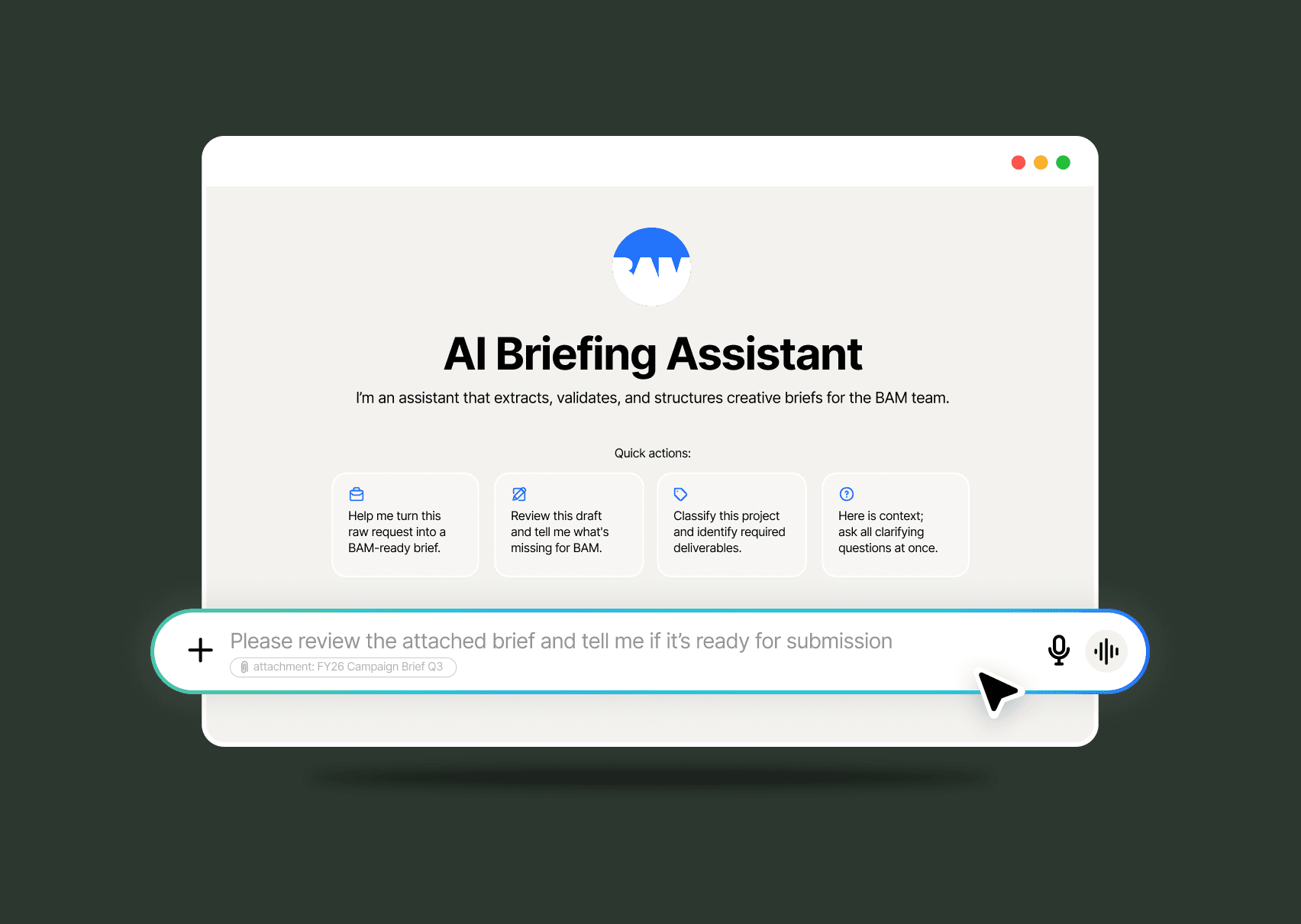
The Briefing Assistant in use. Partners submit briefs in whatever form they currently exist - raw notes, emails, meeting summaries. The assistant takes it from there.
The end-to-end flow: partner submission → tier classification and AI refinement → clarification and confirmation → AirTable submission with pre-filled fields and stakeholder tags.

The data that made the problem undeniable - and the improvement visible. Urgent-tagged requests peaked at nine in a single week. After the assistant launched, that number dropped to one or fewer and has held there.

Brief refinement adopted by teams in the US, UK, and Canada. Built once in APAC to solve an APAC problem - turned out to solve a global one, because it was designed around principles, not local process quirks.

Urgent-tagged requests dropped from a peak of nine per week to one or fewer - and have stayed there.
Brief quality improved measurably. Designers reported faster project ramp-up and significantly fewer clarification cycles at the start of engagements. Partners became more self-sufficient, more confident in how to engage the team, and more realistic about timelines once they understood the briefing standard upfront.
The Briefing Assistant has since been adopted for brief refinement by teams in the US, UK, and Canada. A tool built to solve an APAC operations problem turned out to address a global one - because the underlying logic was built around best practice, not local quirks. Submission automation is live in APAC, with the architecture in place for regional rollout.
The most valuable thing a design leader can do isn't always design. Sometimes it's building the conditions that let design happen well.
The Briefing Assistant was built on a single belief: AI is most powerful when it's applied to friction, not novelty.
The technology was the answer to a problem I'd already defined clearly. That order matters.
Design leaders who understand AI at a practical, technical level have a real advantage right now - not because AI is a trend worth chasing, but because it opens up a category of solution that wasn't available before. The ability to build tools like this, and to know when and why to build them, is part of what modern design leadership looks like.